



Staring at your computer screen while wondering if your digital security setup actually works is a feeling most tech enthusiasts know all too well. Finding the right balance when evaluating the difference between firewall and antivirus software can feel like navigating a maze, especially when both promise to keep you safe.
Let’s break down how these two essential technologies interact to protect your everyday digital life.
The Guard At The Digital Gate
A firewall acts as a strict security checkpoint positioned at the boundary of your network. It meticulously inspects every single packet of data trying to enter or leave your system based on a strict set of preconfigured rules. If the data packet does not have the proper authorization or originates from a blacklisted IP address, it gets rejected on the spot.
Interestingly, early developers of network filters drew inspiration from how high-fidelity audio mixers routed signals through distinct channels to prevent audio bleeding. Just as an audio engineer blocks unwanted frequencies from ruining a pristine studio recording, this tool blocks unwanted external connections from compromising your operating system.
It operates at the network protocol level, ensuring that hackers cannot establish an unauthorized, open backdoor into your private local area network.
Hardware Versus Software Deployments
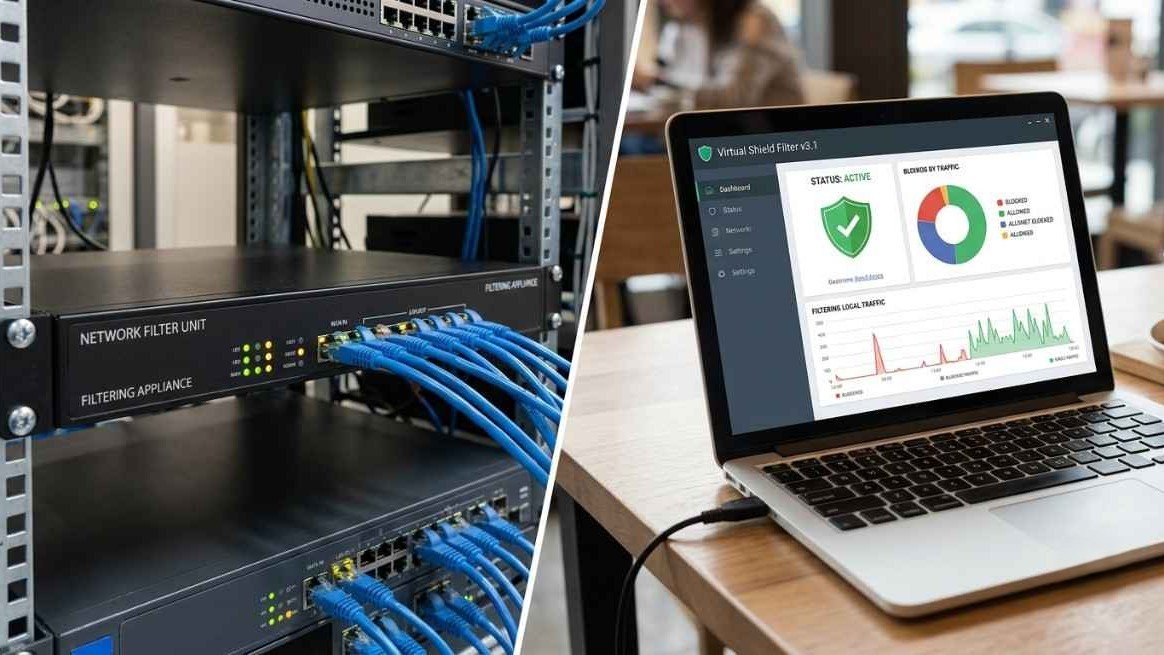
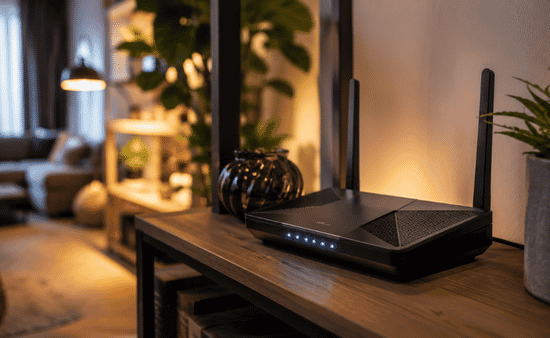
Network filters are incredibly unique because they can exist as physical pieces of equipment or virtual computer programs. Hardware versions are dedicated physical appliances plugged directly into a router, making them a standard fixture in massive corporate data centers.
Software versions run locally inside your operating system, acting as an individualized shield that travels wherever your laptop goes.
Packet Filtering Operations
The most fundamental method utilized by network barriers is analyzing small chunks of data called packets. By reading the packet headers, the filter checks the source, destination, and protocol type against your security parameters. If any piece of information looks suspicious, the connection drops instantly before it can touch your hard drive.
Advanced Inspection Controls
Advanced systems do not just look at isolated data packets; they track the context of the entire active connection. Stateful inspection allows the system to remember past interactions, ensuring that incoming traffic is actually a legitimate response to a request you safely initiated from the inside.
The Doctor Inside Your Machine
Dealing with threats that managed to sneak past your initial outer defenses requires an entirely different approach to digital security.
Antivirus software is a dedicated application that operates purely at the local file system level to neutralize internal infections. While your network filter keeps a watchful eye on the data lines, this internal program constantly patrols your local directories, memory chips, and downloaded applications.
It is designed to track down, isolate, and delete all possible malware, ransomware, spyware, and traditional computer viruses that are already residing inside your machine.
The timeline of malicious software tracking mirrors the history of music technology in a quite literal way. The very first computer virus, known as the “Creeper” virus in the early 1970s, emerged right around the time legendary musicians began experimenting with early digital music sequencers.
As software became more intricate, developers had to build matching defense systems capable of running deep diagnostics to keep consumer computers fully operational.
Signature Based Scanning Techniques

Traditional detection relies heavily on a massive database of known malicious code snippets called signatures. The application meticulously scans every file on your storage drive and compares it to this global list of known threats. If a file contains a matching string of bad code, the application immediately locks it down to prevent execution.
Heuristic Analysis Systems
To catch brand-new mutations of malware, modern applications use behavioral heuristics to study what a file actually attempts to do. If a seemingly harmless file suddenly tries to alter core system registries or encrypt multiple directories at once, the system flags it as suspicious. This predictive layer allows the application to stop zero-day threats that lack an established signature pattern.
Sandbox Isolation Enclaves
When a suspicious asset is discovered, the application moves it into a secure, isolated digital environment known as a sandbox. This environment tricks the malware into thinking it is running normally, allowing the application to safely analyze its behavior without risking your active files.
Mapping The Core Divergences
The core operational difference between a firewall and antivirus software boils down to the distinction between structural traffic management and internal file decontamination. A network filter monitors data protocols in motion across the web, whereas a malware scanner analyzes static data resting on your storage drives. One is a preventative boundary control, while the other is an active system sanitizer.
To look at it through a real-world perspective, imagine your computer setup is an exclusive music venue hosting a live concert. The network filter functions exactly like the ticket bouncers standing outside the front doors, checking IDs and turning away uninvited individuals before they ever step inside.
The malware scanner functions like the internal security team patrolling the concert floor, stepping in to remove a disruptive guest who managed to slip through a side window.
Difference Between Firewall And Antivirus Software
Imagine building a multi-million dollar recording studio to mix the next big hit record, but leaving the front door wide open for thieves while installing security cameras only inside the vocal booth.
Mastering the difference between firewall and antivirus software is critical because relying on just one leaves half of your digital empire completely exposed to devastation. You must secure both your network borders and your local operating endpoints simultaneously.
Direct Comparison Grid
Reviewing a streamlined technical breakdown helps synthesize how these systems function independently.
| Feature | Firewall | Antivirus |
| Primary Role | Controls incoming and outgoing network traffic. | Detects, blocks, and removes malicious code and infections. |
| How it Works | Monitors packets against predetermined security rules to permit/deny access. | Scans local files, downloads, and applications for known signatures or suspicious behavior. |
| Threats Handled | Blocks hackers, unauthorized remote access, and external network threats. | Neutralizes viruses, trojans, ransomware, and spyware. |
| Location | Operates at the network boundary (can be hardware or software). | Installed directly on endpoints/devices (software only). |
Cyber Defense Best Practices
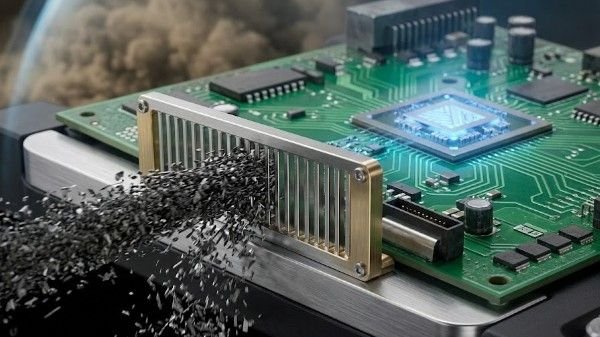
To execute this properly, activate your built-in operating system network filter immediately as your foundational baseline layer. Next, install a reputable, lightweight endpoint security application to handle real-time file scanning and background malicious code detection. Ensure that automated cloud updates are enabled for both tools so they possess the latest rules and threat definitions.
Avoid running multiple active software network filters simultaneously, as this specific configuration blunder can cause severe software stability glitches. Keep your local file scans scheduled during periods of low activity to keep your PC running smoothly.
By pairing perimeter traffic monitoring with proactive internal scanning, you create an airtight, multi-layered defense system that blocks hackers at the gate and destroys malware at the root.
Synchronizing Rulesets Properly
Make sure your network rules do not conflict with the background activities of your local threat scanner. Sometimes a protective perimeter policy might block your scanner from reaching its cloud database to download new malware definitions. Check your application white-lists to keep both systems communicating properly with their respective developers.
Scheduling Resource Scans
Deep local drive scans require a significant amount of processing power from your central processing unit. To avoid lag while producing music, editing videos, or gaming, schedule these intensive system deep-dives to run automatically overnight to even optimize database indexing or during your typical offline hours.
Frequently Asked Questions
1. Do I need antivirus if I have a firewall?
Yes, you absolutely need both because a network barrier only monitors traffic moving through your web connection. It cannot stop malicious code introduced through an infected physical USB drive, a local file transfer, or a compromised software installation you willingly approved. Knowing the difference between firewall and antivirus software helps you see that a firewall is completely blind to internal file infections.
2. Which is better, firewall or antivirus?
Neither tool is inherently better because they perform completely separate defensive duties within your system architecture. A network filter provides critical perimeter defense against external hackers trying to probe your system ports, while a malware scanner provides crucial internal defense against destructive files already resting on your drive. You must utilize both together to maintain proper digital hygiene.
3. What are the disadvantages of using a firewall?
Incorrectly configured network barriers can accidentally block legitimate internet traffic, prevent essential application updates, and cause noticeable data latency. Additionally, managing highly complex enterprise-grade hardware units requires continuous, technical manual ruleset updates, meaning they can become absolute administrative nightmares if you do not possess proper IT training.
4. Is McAfee a firewall?
McAfee is primarily recognized across the tech industry as a comprehensive antivirus and endpoint malware scanning suite. However, many of its premium consumer retail software packages bundle a proprietary software network barrier alongside their core local scanning engine to give users a unified, multi-layered defensive package.
Overcoming The Cybersecurity Divide And Crushing Threats
Achieving total digital peace of mind requires moving past the old debate regarding the difference between firewall and antivirus software. These two programs are designed to operate as a cohesive team, providing a layered defense-in-depth model that protects your network edge and your physical hard drives simultaneously.
Activate both tools immediately, keep them fully updated, and keep your personal data completely secure from modern web dangers.